Parivahan Challan: How to Check, Pay and Download Your E-Challan Online in 2026

Rajendra Rao
Challan Mitra Author
Here is a funny thing. Most people don't even know Parivahan is the real government portal until they have already burned time on three random challan checking apps first. It's run by the Ministry of Road Transport and Highways and basically every state ends up reporting its traffic violations here eventually, doesn't matter if the challan came out of Jaipur, Lucknow or Chennai. So if you've been hopping between different sites and not getting anywhere, this is the one that actually holds your data.
Below, a proper walkthrough. Checking a parivahan challan, paying it, grabbing your receipt, plus a few state specific things worth knowing before you jump in.
What Is the Parivahan Challan System?
Parivahan Sewa is basically a catch-all for anything vehicle-related that the government handles online. E-challan's just one corner of it, RC details, licence services, fitness certificates all live there too. And whenever a violation gets logged anywhere, camera or officer, doesn't matter which, it eventually makes its way into this one central database, linked to your vehicle number.
Which is really why people just search parivahan challan rather than bothering to type out a state name. The whole idea is that it's the one spot where everything's supposed to show up, regardless of where the fine actually came from.
How to Check Your E Challan on Parivahan
Takes about a minute once you know where to click, honestly.
Go to echallan.parivahan.gov.in.
Select "Check Challan Status" on the homepage.
Enter your vehicle number, challan number or driving licence number, whichever you have handy.
Fill in the captcha and hit search.
You will see a list of anything pending or already paid, with the offence type, date, location and fine amount.
If your challan was camera generated, there's usually a photo attached too, which helps if you're trying to confirm the violation actually happened the way it's described. A parivahan challan check with photo is genuinely useful here, since it removes a lot of the guesswork compared to just seeing a fine amount with no context.
Understanding the Index Accused Challan URL
Seen a link like echallan.parivahan.gov.in/index/accused-challan and wondered what it does? That's just the specific page within the portal that pulls up challans tied to whoever's marked as the accused party in a violation. Same check as the regular challan search really, just a different entry point and it's the one that often gets shared directly in SMS notifications after a violation gets logged. So if you tap a link from a text message about a pending fine, chances are this is exactly where you'll end up.
Paying Your Parivahan Challan Online
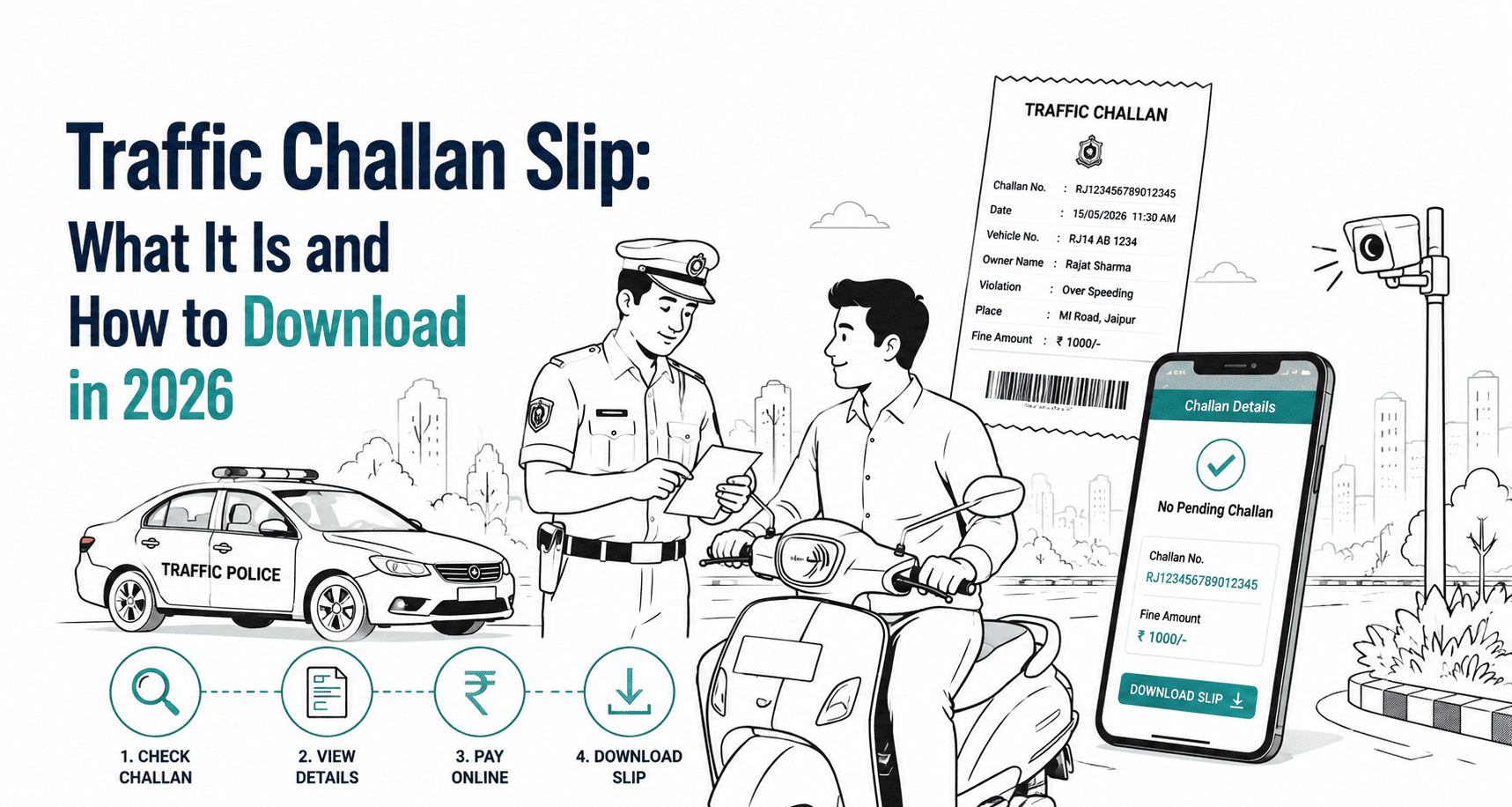
Once you have confirmed a challan is pending, paying it goes like this:
Select the challan from your results.
Review the fine amount and violation details.
Choose a payment method. UPI, debit card, credit card and net banking are all supported.
Complete the payment.
Download the receipt right after. Don't skip this part, since it's your main proof if the status takes a while to update.
The payment itself usually clears right away, but the portal can take a day or two to actually show the challan as paid. So if you have paid and it's still sitting there as pending after 48 hours, don't panic, that's typically just a lag rather than a failed transaction. Still worth glancing at your bank statement to confirm before you'd consider paying a second time though.
Using mParivahan and Sarathi for Challan Checks
Not a fan of the desktop site? The mParivahan app does the same challan checking job right from your phone, which is handy if you want quick alerts or you're out somewhere and don't have a laptop handy. Sarathi's a bit different, it's mainly built around driving licence services, but it does pull in challan info tied to your DL number too, which matters if a violation got logged against your licence rather than your vehicle specifically.
What If Your Parivahan Challan Payment Shows Pending?
Comes up constantly and it's almost never as bad as it sounds. A pending status right after payment usually just means the portal hasn't caught up with the transaction yet, and it clears on its own within a day or two most of the time. Just hang onto your payment confirmation while you wait. If it's still stuck after a couple of days though, that's when it makes sense to contact support through the portal or your state traffic police directly, rather than paying again and risking getting charged twice.
State Wise Notes Worth Knowing
Parivahan aggregates data nationally, but a lot of states also run their own portals that sometimes update faster for local violations. A quick rundown:
Uttar Pradesh challans generally sync well with Parivahan, though the state also runs its own UP Police eChallan portal worth checking if something doesn't show up right away.
Delhi is heavily camera dependent, so challans tend to appear on Parivahan fairly quickly, often within a day of the violation.
Rajasthan feeds into Parivahan from both camera enforcement and manual challans issued by traffic police, with occasional delays for the manual ones.
Bihar, Odisha, Madhya Pradesh and Gujarat all route through their respective state transport portals in addition to Parivahan, and checking both is a good habit if you're not finding what you expect on the national site alone.
Kerala, Andhra Pradesh, Tamil Nadu, Punjab and Himachal Pradesh each maintain their own state police eChallan systems too, and for very recent violations, these local portals can sometimes have more current data than Parivahan.
Maharashtra is a bit of an odd one out. Mumbai, Pune and other cities within the state each run their own city level traffic police portals instead of sharing one unified state system, so checking Mumbai's site definitely won't show you Pune's data or the other way round.
Drive across state lines a lot or your vehicle's registered somewhere different from where you actually use it? Bookmark both the national portal and whichever state or city one applies to you. Checking just one really is not enough sometimes to catch everything that might be sitting there.
Downloading Your Challan Details or Receipt
Need a pending challan for reference or a paid receipt as proof? Either way, the download option usually sits right next to the listing once you've searched by vehicle or challan number. Save these as PDFs if you can. You'll likely want them again later for RC transfers, insurance renewals, or if a challan status ever gets questioned down the line.
When a Challan Has Moved to Court
Not every challan stays on the simple payment track. If a fine's been unpaid for too long, or it's a repeat violation, it can get referred to virtual or physical court. Once that happens, the regular pay now button on Parivahan typically stops working, and the process shifts into confirming case details, submitting a response if needed and waiting for the case to be formally resolved before any payment goes through again. This is where a lot of people get stuck, mainly because it's not something anyone deals with often enough to know the steps by heart. Getting proper legal help at this stage tends to save a lot of back and forth compared to trying to handle it solo.
Final Thoughts
Honestly, Parivahan's the right place to start for checking or paying an e-challan pretty much anywhere in India and if the fine's fresh and uncontested, you're looking at maybe five minutes tops. What actually trips people up isn't the process itself. It's knowing when to also glance at a state portal, figuring out what pending really means after you have paid and catching the moment a challan slides into court territory instead of staying a simple payment. Get a feel for those three things and everything else falls into place pretty naturally.
About Rajendra Rao
Rajendra Rao is an experienced content writer who specializes in pet care, puppy training, and pet wellness. With a career span of more than 8 years in the content industry, he now works closely with veterinary professionals on Conbun to translate clinical pet care insights into easy-to-read guidelines.